Browsing and Searching Your Library
With its many views and search filters, PhotoPrism allows you to explore your photo collection in multiple ways instead of just scrolling through it day by day.
These features help you rediscover long-forgotten shots, find specific pictures, and quickly create albums based on search results.
Views and Filters
Using the main navigation you can visit the different sections of your photo library:
Search
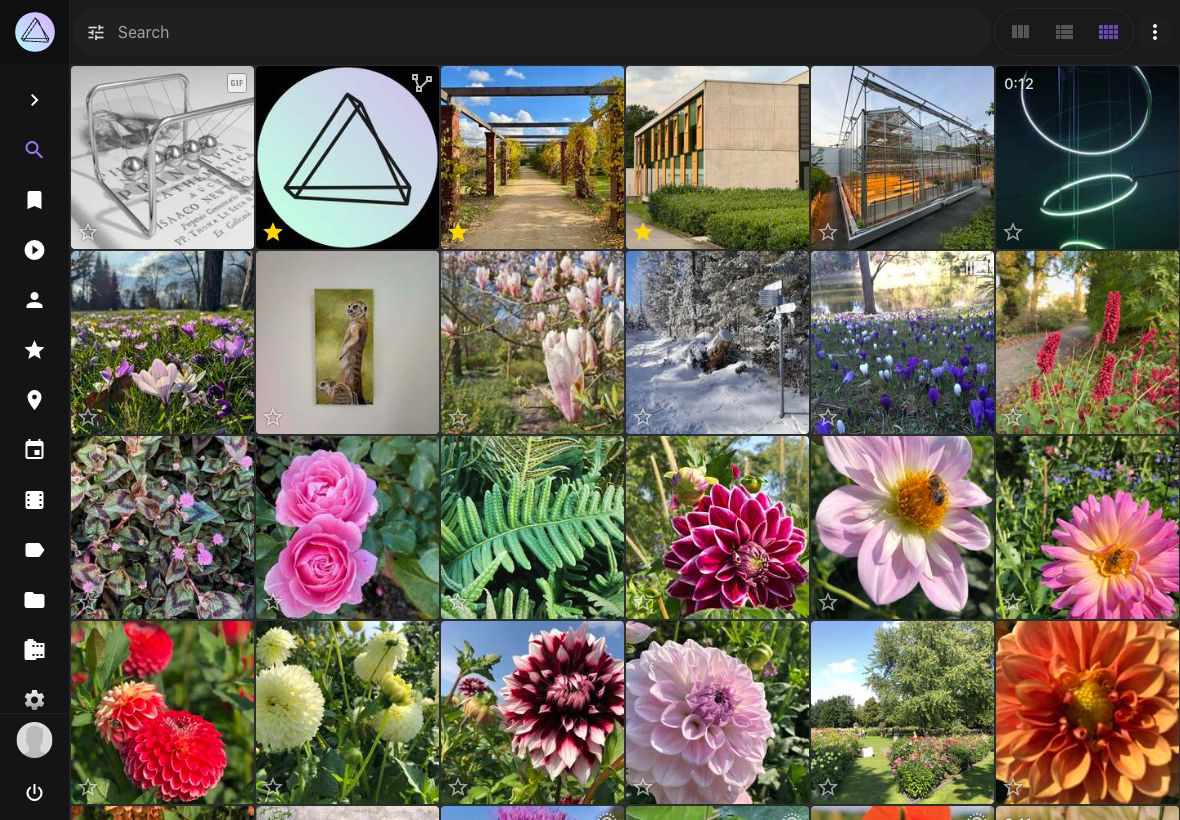
This section shows all photos and videos that are not in review, archived, or private.
In case the review, private or archive functions are turned off - Search displays those photos and videos as well.
Monochrome
Shows monochrome pictures with little or no color.
Panoramas
Shows only panoramic pictures with a wide aspect ratio.
Stacks
Shows photos consisting of multiple image files, such as burst shots and edits.
Vectors
Shows vector graphics, such as SVG and Adobe Illustrator files.
Scans
Shows scanned pictures and documents.
Documents
Shows PDF documents and other content classified as documents.
Review
Shows pictures that require approval before they appear in search results.
Archive
Shows archived pictures so you can restore or permanently delete them.
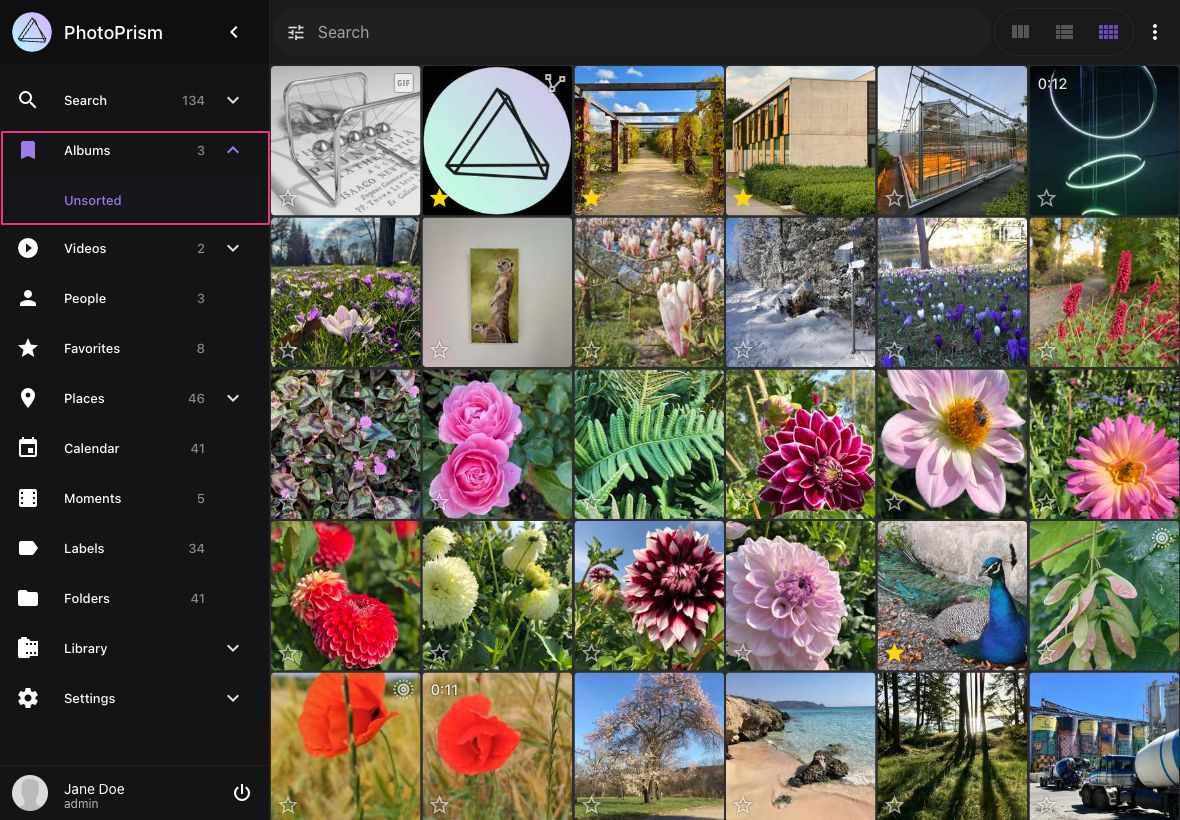
Albums
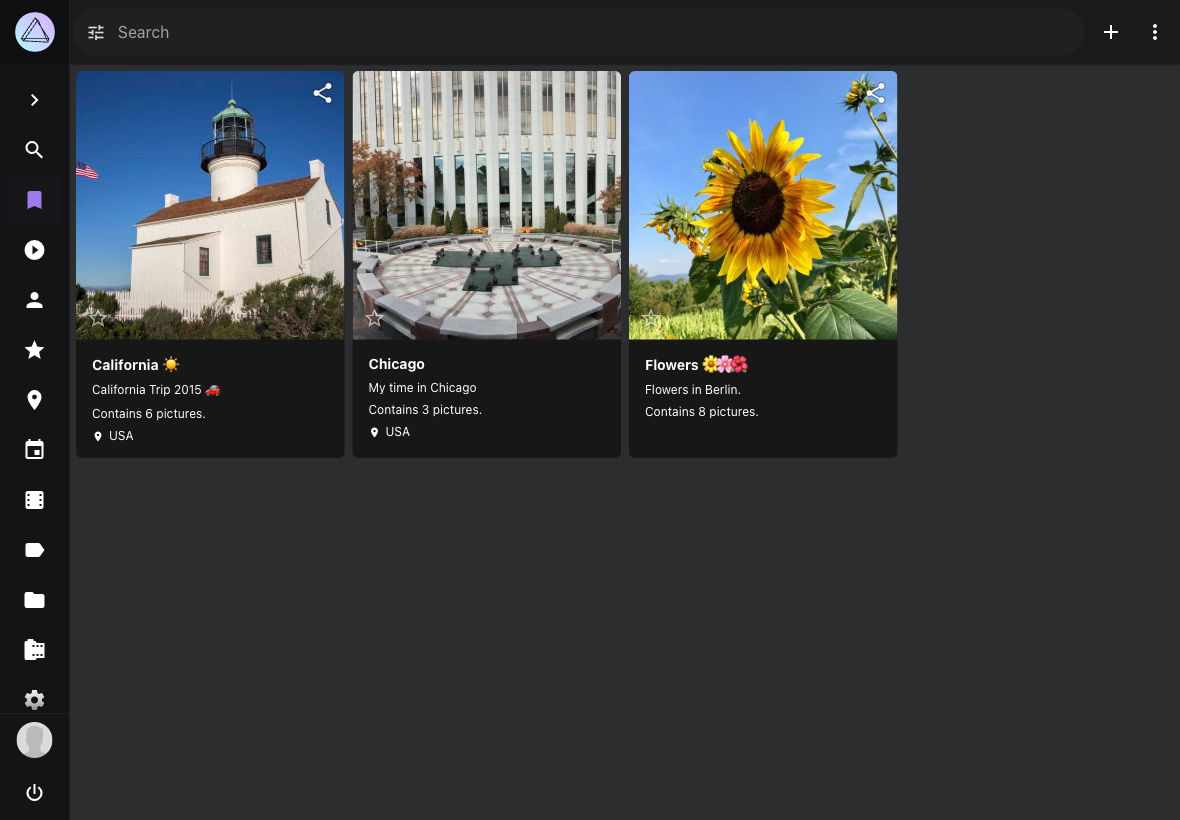
Shows manually curated albums.
Unsorted
Shows all photos that are not part of an album.
Videos
Shows videos that are not in review or archived or private.
Live Photos
Shows all short videos up to 3 seconds.
People
Shows photos and videos grouped by people on it.
Favorites
Shows all photos and videos you liked.
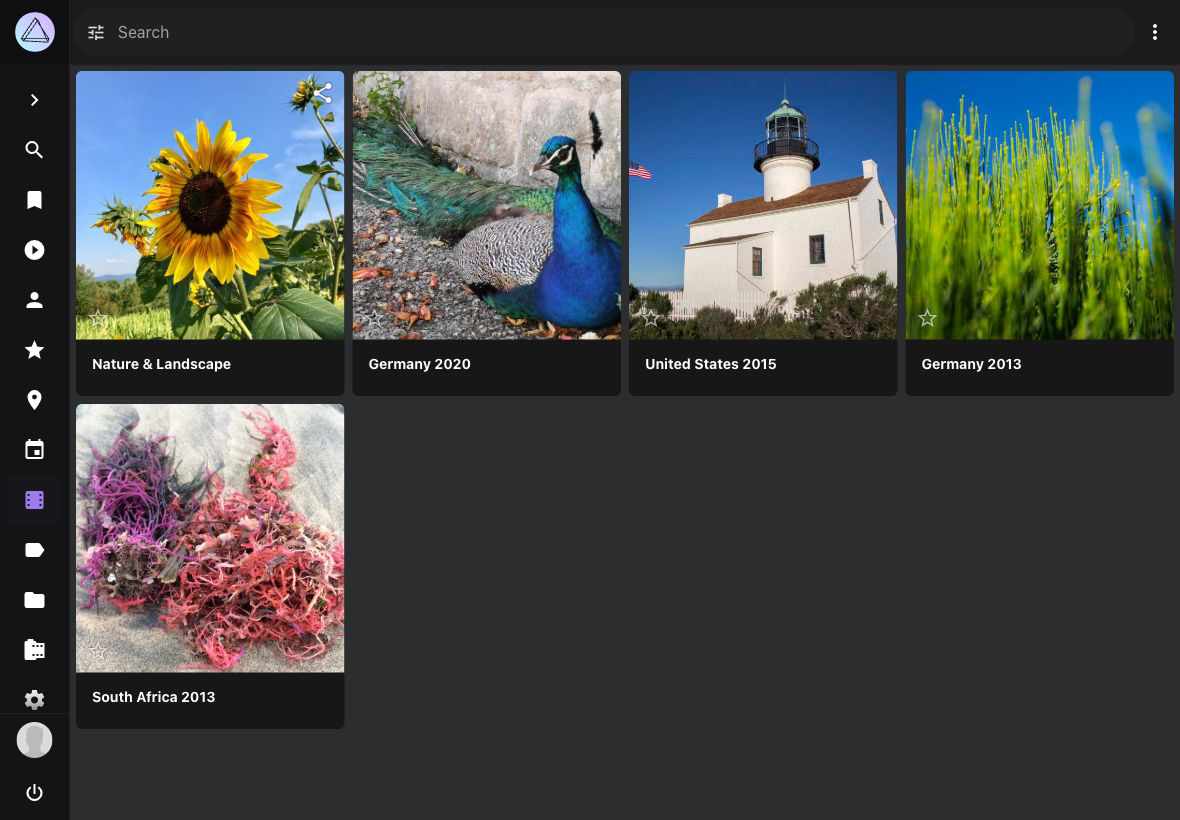
Moments
Discover albums we automatically create for you.
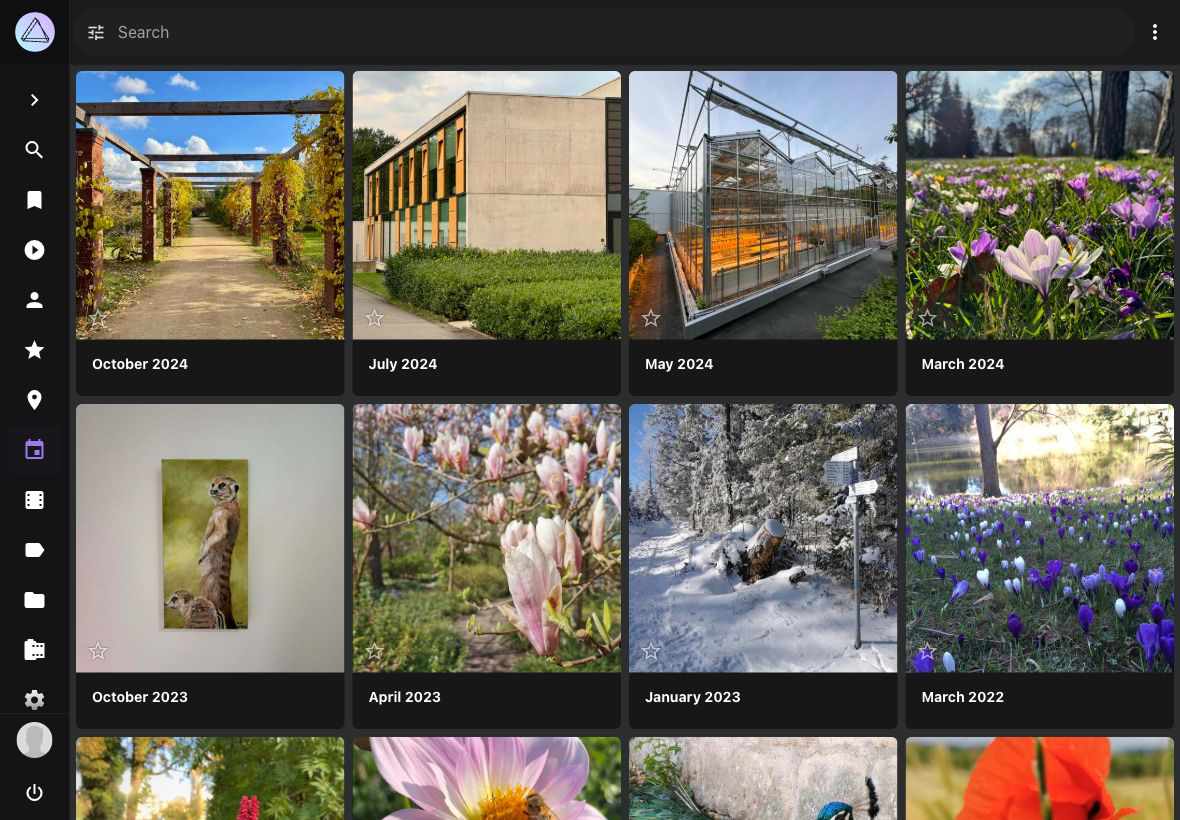
Calendar
Organizes your photos due to time taken.
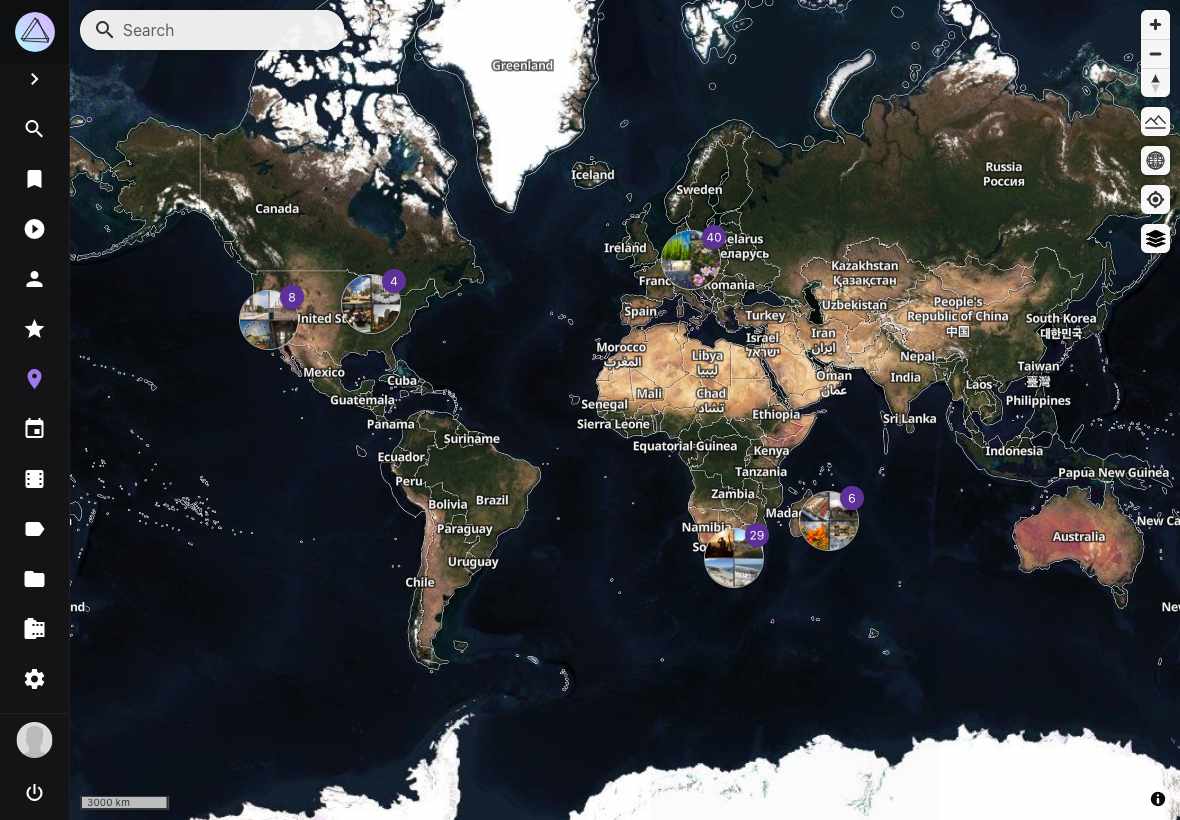
Places
Displays all photos and videos with location information on a worldmap.
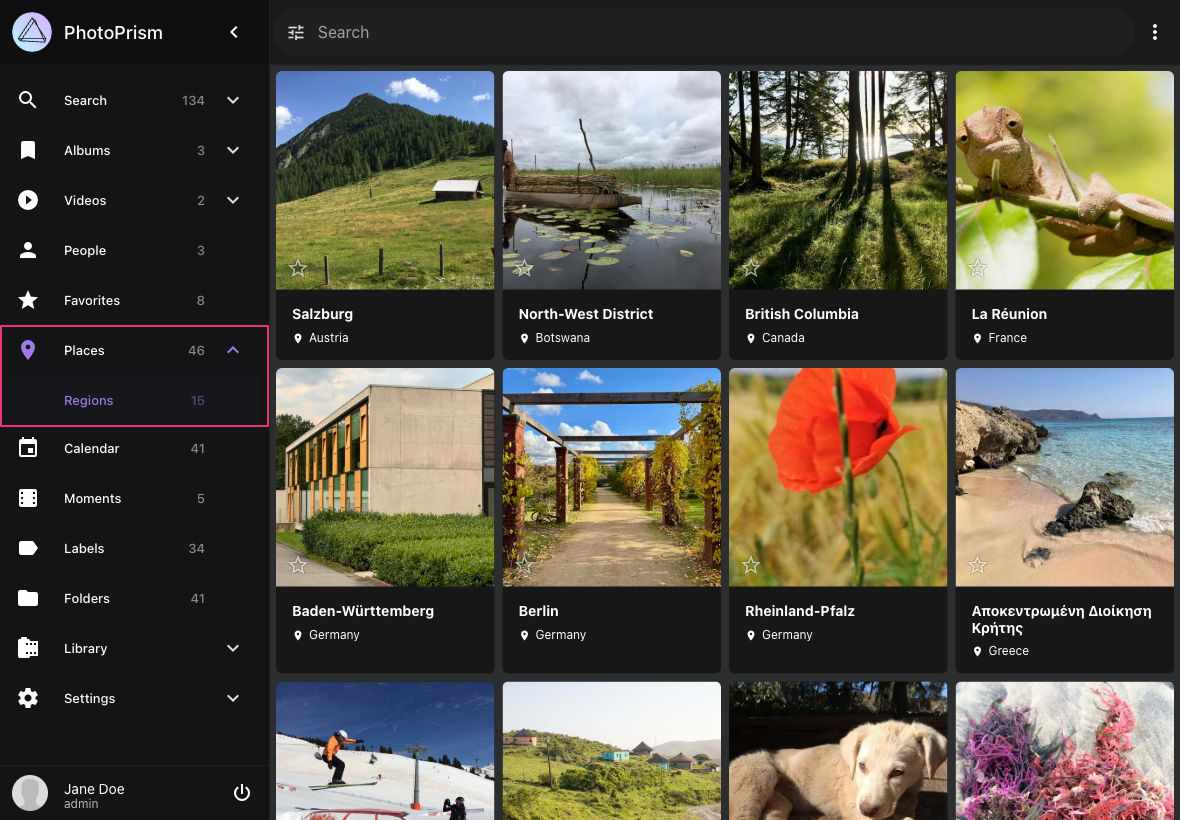
Regions
Shows your photos grouped by location.
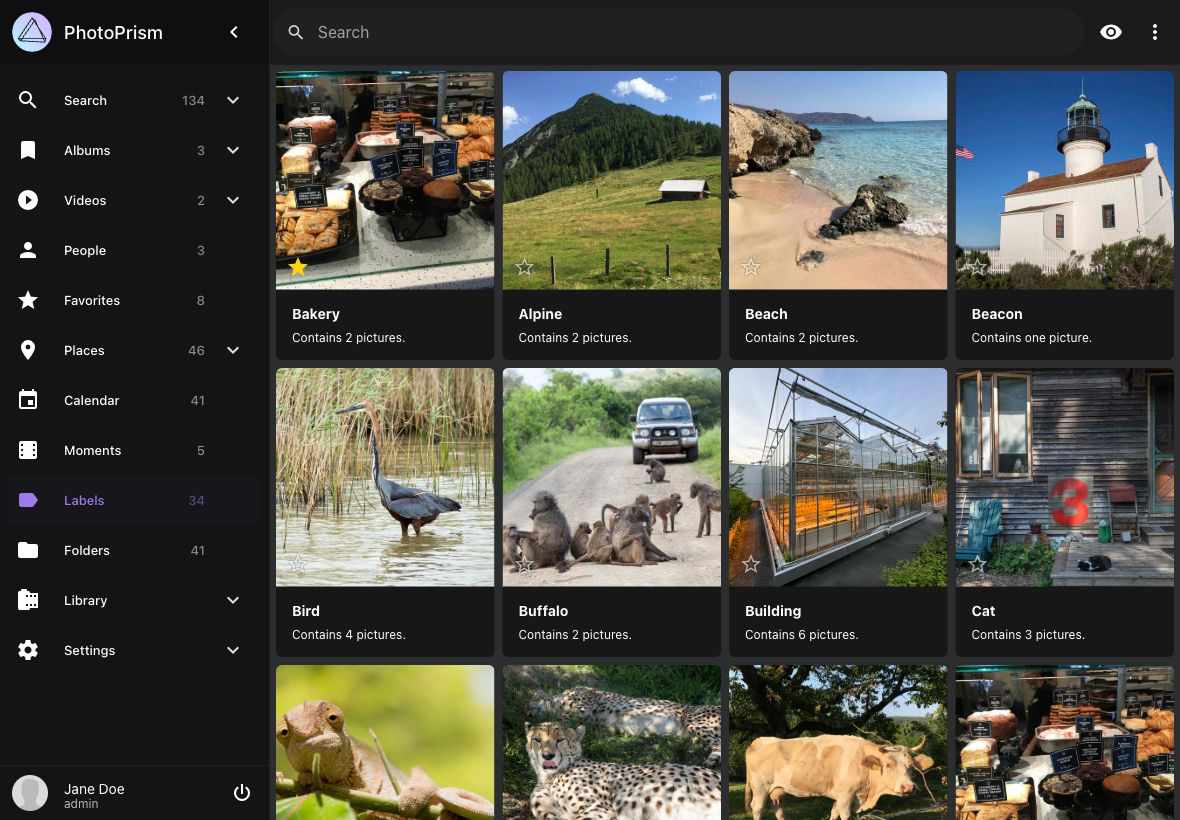
Labels
Shows your photos and videos grouped by labels like cat, dog or beach.
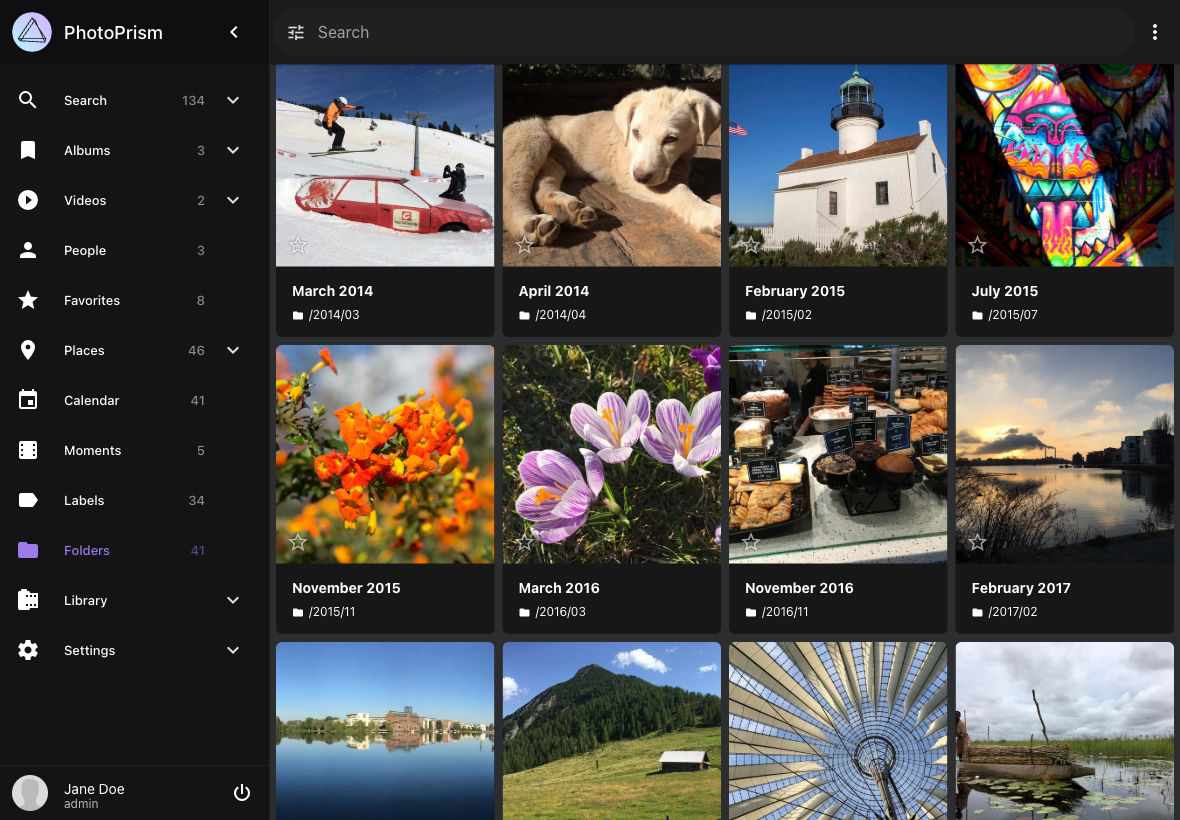
Folders
Displays all folders of your originals directory.
Private
Shows photos and videos marked as private.
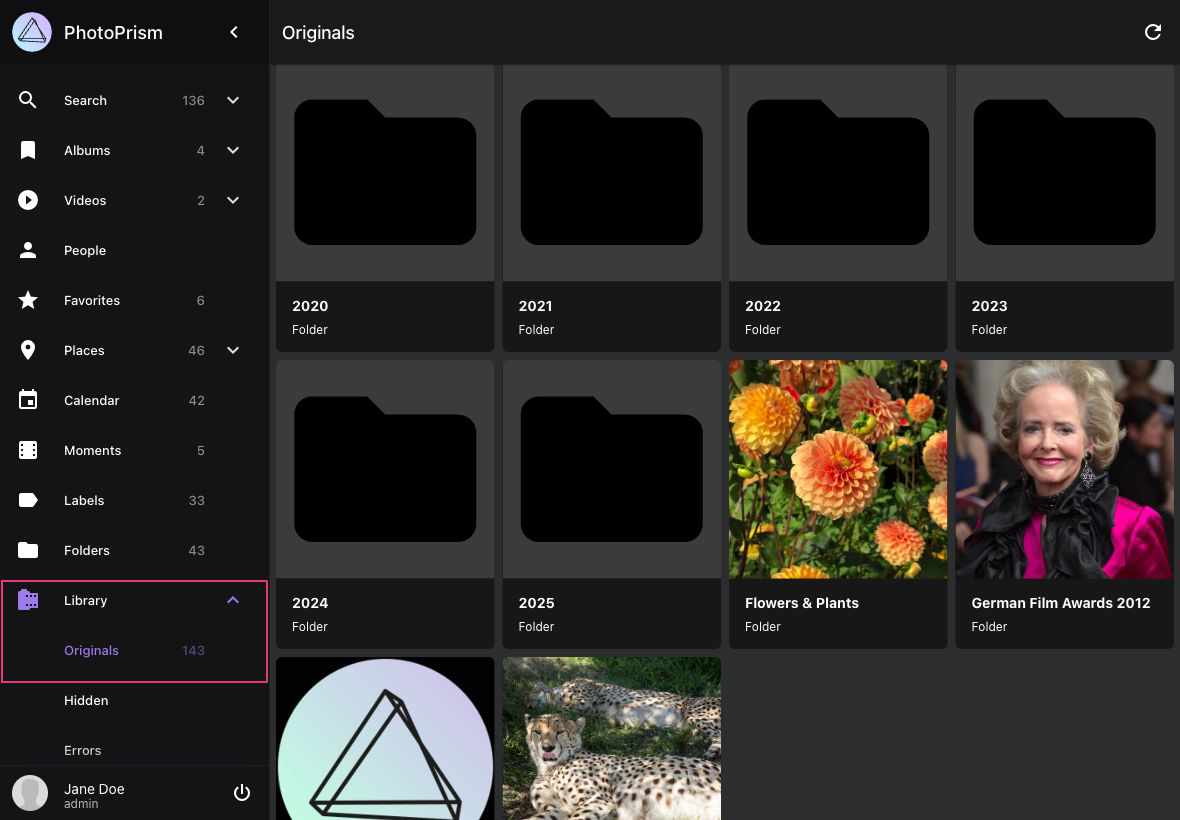
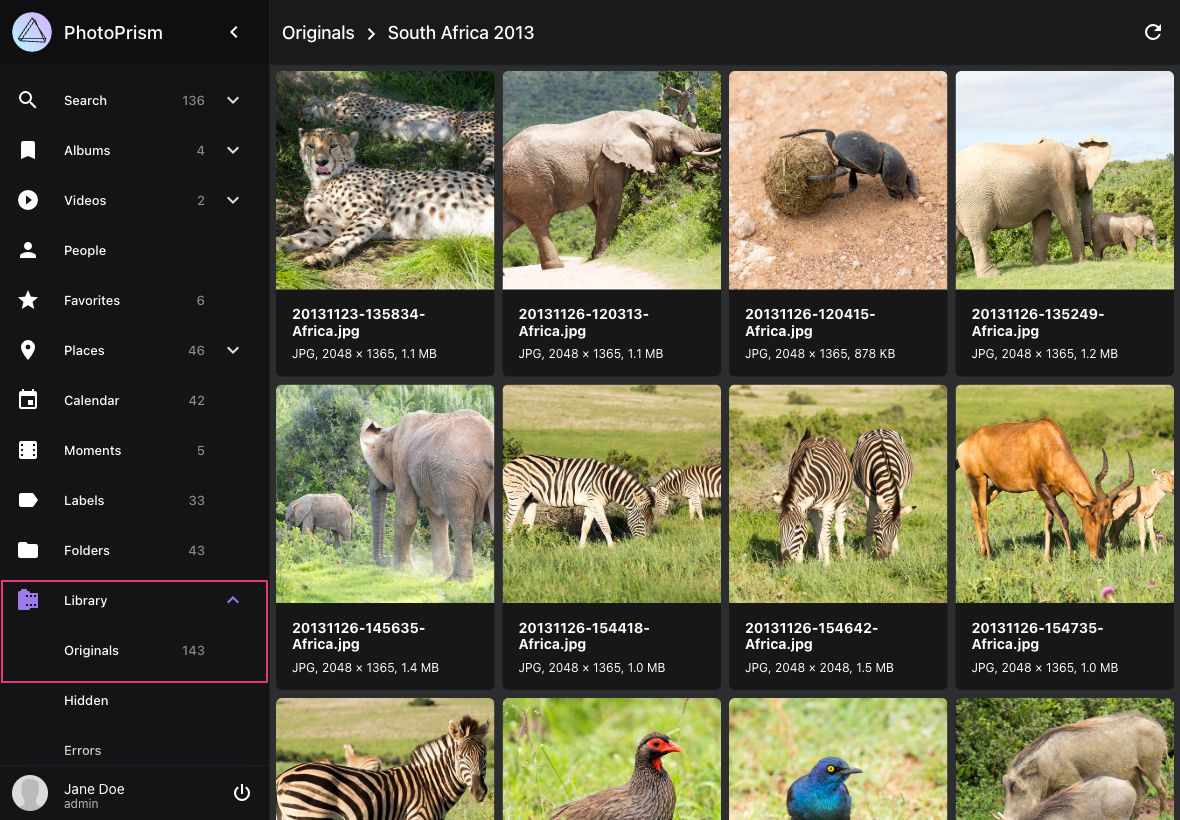
Originals
Hierarchical view of your originals directory.